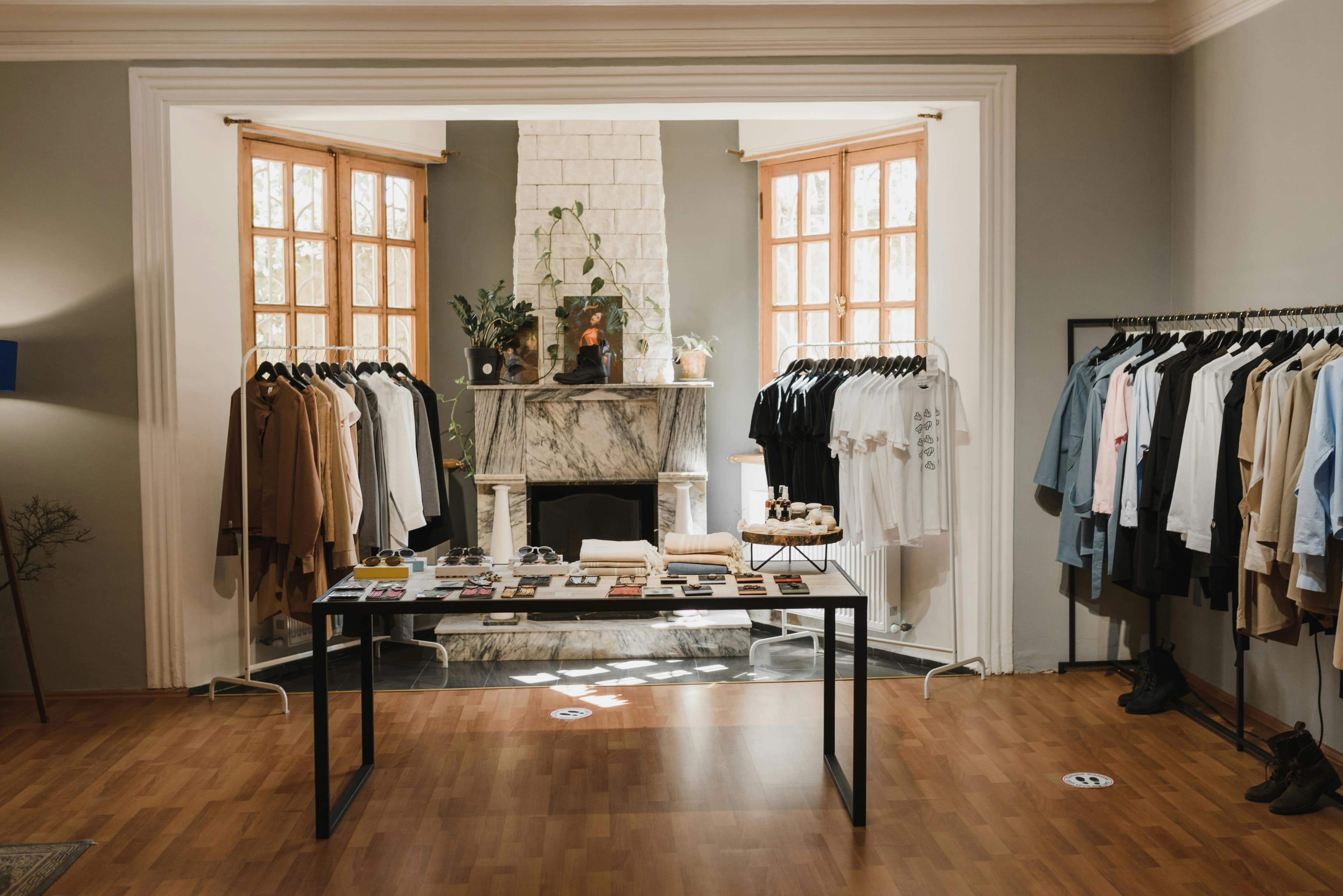
How to Create a Space
A step-by-step walkthrough of listing your pop-up space on SocietyPopUp — from choosing your space type to going live.

Choose Your Space Type
Start by selecting the category that best matches your space. Whether it is a boutique shop, an art gallery, a showroom, a creative studio, an event venue, or a warehouse — picking the right type helps guests find you faster.
Not sure which type fits? Think about how your previous tenants used the space — that is usually the best indicator.

Describe Your Space
Give your space a memorable name and write a detailed description that highlights what makes it special. Then fill in the physical details: surface area, ceiling height, floor number, and foot traffic level. The more precise you are, the fewer questions guests will need to ask.
Mention unique selling points early in the description — guests often decide within the first two sentences whether to keep reading.

Set Your Location
Enter your full address and verify it on the map. SocietyPopUp uses address autocomplete to make this quick and accurate. A precise location lets guests assess the neighbourhood, plan transport, and estimate delivery logistics before booking.
Double-check the pin position on the map — if it is off by even one block, guests may struggle to find your space on arrival day.

Add Photos and Amenities
Upload high-quality photos that show the space from multiple angles: the storefront, interior layout, natural lighting, and any standout features. Then select the amenities you provide (Wi-Fi, air conditioning, storage, etc.) and list nearby transport options.
Listings with five or more well-lit photos receive significantly more booking requests — first impressions are everything.

Complete Compliance Details
Confirm the regulatory details for your space: insurance coverage, commercial use authorisation, whether charges are included, and ERP (public safety) compliance category. This information builds trust with guests and ensures your listing meets legal requirements.
Have your insurance certificate and ERP documents ready before you start — it makes this step much faster.

Set Pricing and Availability
Set your weekly rental price and choose the currency. Then define the date range during which your space is available for booking. You can always update these later, so start with what feels right and adjust based on demand.
Research similar spaces in your area to set a competitive price — being slightly below market rate for your first few bookings helps you build reviews quickly.

Review and Publish
Before going live, review every detail of your listing on the summary screen. Check that your photos look great, your description is compelling, and your pricing is accurate. When everything is ready, hit Publish — your listing will be submitted for review by our team before becoming visible to guests.
Ask a friend to proofread your listing before publishing — a fresh pair of eyes catches things you might have missed.
Already listed your space? Learn how to prepare for your first guest.
View the Host Preparation GuideReady to List Your Space?
It only takes a few minutes to create your listing. Join hundreds of hosts across Paris and start earning from your commercial space today.
Create Your Space